


S3 Native File Streaming: How it works & FAQs

The Editors

4 Minutes

For years, media teams have chosen between the reliability and security of object storage and the flexible access provided by file systems.
Historically, object storage has been a great solution for passive datasets. But modern media workflows are just the opposite—they require multiple people and tools to access that data regularly. To actually work on files stored in object storage, media teams have had to rely on workarounds like copying, syncing, or fragile “S3 mounts” to make it possible.
S3 Native File Streaming on Suite eliminates the tradeoff.
By enabling Suite directly on top of existing S3-compatible object storage, teams of any size or complexity can enable file streaming and use this technology alongside real production workflows without migrating data or restructuring infrastructure. With Suite, teams can continue to build on their current infrastructure while making assets instantly available in any location.
Object Storage as Active Infrastructure
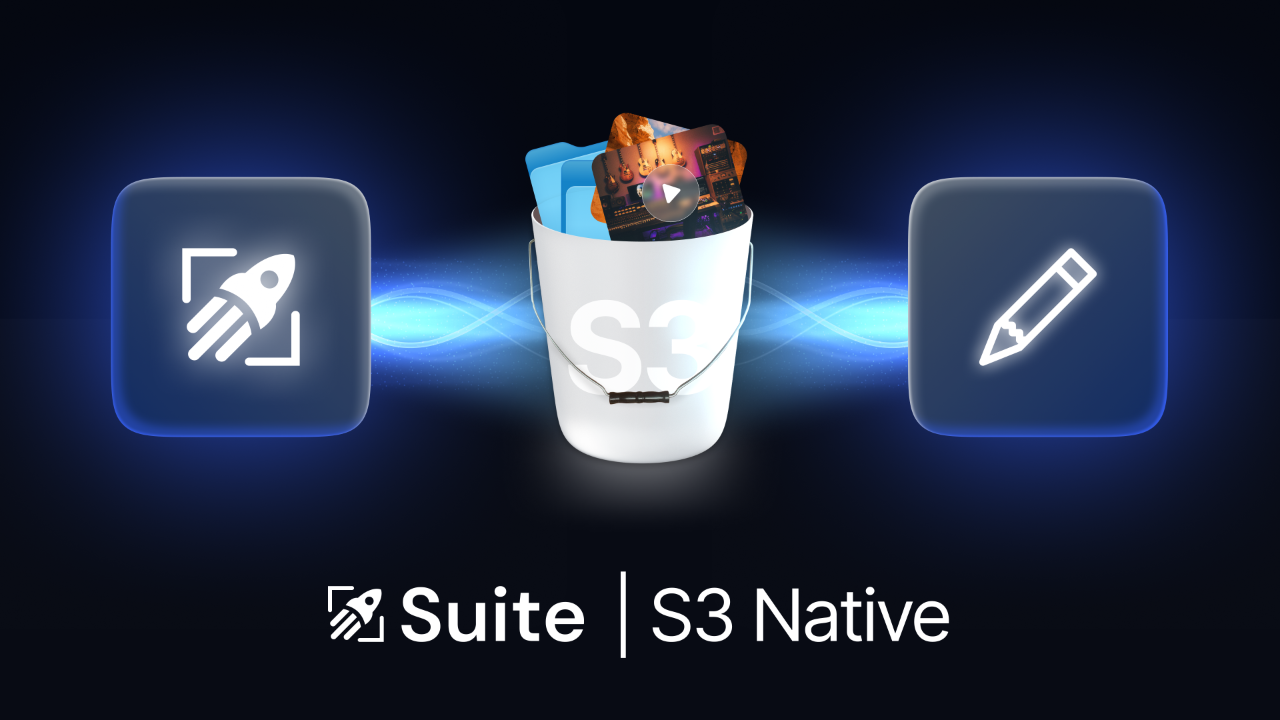
With S3 Native File Streaming, Suite doesn’t replace existing object storage—it becomes the active access layer that lives on top of your current storage.
Reading and writing data as standard objects, Suite can seamlessly plug into pipelines and co-exist with MAMs, DAMs, render farms and more, all while preserving object storage as the system of record. Files remain standard objects in S3-compatible storage. Suite simply provides a high-performance filesystem interface for users and tools that need file-based interaction.
There is no duplicate storage layer.
There is no proprietary object format.
How Suite Works with Other S3-Compatible Tools and Pipelines
Ingest systems, automations, render farms, or whatever you use, read from and write directly to the backing object storage bucket using standard APIs. Suite automatically reflects those changes for users in real time, without maintaining a separate copy of the data.
This keeps workflows aligned around a single dataset and removes the operational complexity that comes from translation layers or duplicate environments.
From the infrastructure and security perspective, nothing changes.
From the end-user perspective, files become instantly accessible from any location.
Frequently Asked Questions about S3 Native File Streaming
How does Suite work with other tools, systems, and custom workflows?
Suite supports files as native objects, so tools don’t have to go through Suite to access data. Your existing workflows can read and write directly to the backing object storage bucket using standard APIs. If a tool can talk to S3, it works with Suite—right out of the box.
Do I have to migrate my data?
No — If your data already lives in object storage it's as simple as flipping a switch.
Does this work with on-prem object storage?
Yes — Suite can sit directly on top of on-prem object storage and stream data to remote users. Compatibility will depend on specific infrastructure.
Can other tools read and write to the same bucket?
Yes — Any tool can interact with the bucket directly without going through Suite. Suite will automatically respond to changes and display these to users in real time.
What happens if data is modified outside of Suite?
Suite doesn’t store a separate copy of the data, it uses the object storage bucket as the source of truth. Changes made from external tools are automatically and immediately reflected in Suite.
Does Suite handle partial reads and writes?
Yes — Suite supports full partial random reads and writes to files of any size. No gotchas.
How does provisioning work?
It’s extremely simple:
- Pick a bucket to mount (including existing buckets that already contain files)
- Grant access & connect it to Suite
- Start Working
Are files stored as standard objects or in a proprietary format?
Files are stored as standard objects in any S3-compatible storage, without a proprietary storage format.
Is this the same Suite application?
Yes — it’s the same Suite account, application, and end-user experience. The only difference is that Suite now operates natively on top of S3-compatible object storage.
Does Suite still contain all the same security & administrative features?
Yes — this works with all the same features you love about Suite:
- SSO with SAML.2.0 and SCIM support
- MFA
- Granular File and Folder Permissions on Users and Groups
- Encryption in transit and at rest
- Transactional Writes
- Admin API to manage users, groups, and permissions
The Result
From the infrastructure perspective, object storage remains object storage.
From the user’s perspective, files behave like they live on a local filesystem.
That’s the core of S3-Native File Streaming — real-time access to media in object storage without the operational tradeoffs teams have been forced to accept until now.
S3 Native Now Available
S3 Native File Streaming is now available. Click here to sign up.


You may also like



Join our community
Subscribe below.
Newsletter

An error has occurred somewhere and it is not possible to submit the form. Please try again later or contact us.

Four reasons to subscribe to our newsletter


